1 RePill bubbles
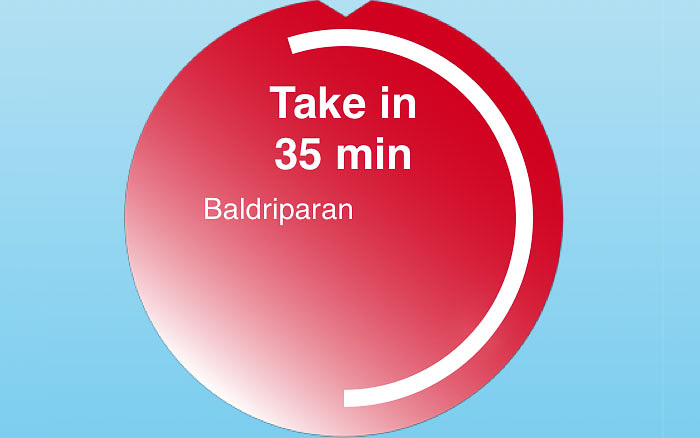
On the start screen, the medicines that need to be taken immediately are displayed in red “bubbles” and the others in blue ones. Tap the red “bubble” to confirm that you have taken the medicine or tap a blue “bubble” to enlarge it. A white circular line in the red bubble shrinks. When it reaches […]
2 Intake time
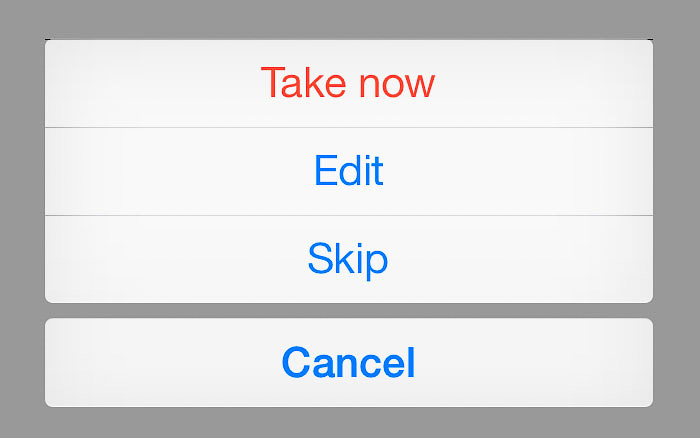
When it is time for you to take a medicine, you will recive a message to that effect from RePill. If you accept the message, you can confirm the scheduled time or select a new time to receive a reminder.
3 Intake management
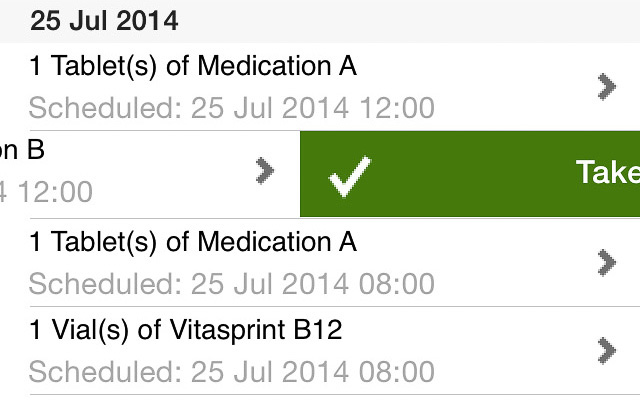
Tap on the message “Manage medication intake” at the top of the screen. You can “swipe” to the left to confirm a scheduled time for taking a medicine, swipe to the right to delete it or tap to edit it. Under “Edit”, you can “tap” to edit any open medication intake confirmations.
4 Medication refill
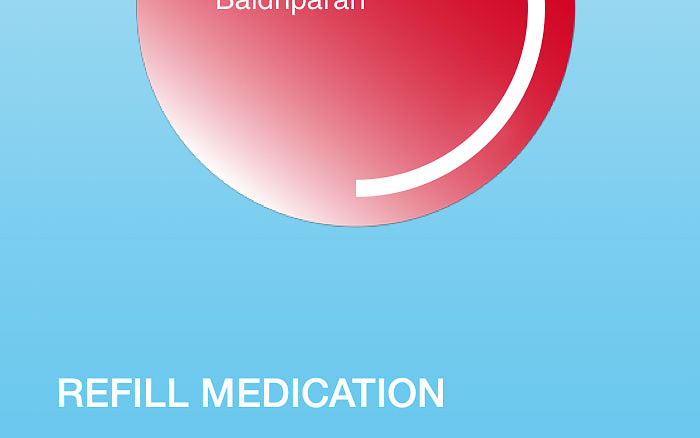
Tap the text “REPLENISH MEDICATION” or “RENEW PRESCRIPTION” at the bottom of the screen to go directly to the corresponding function.